
Government website design that stays up when it matters most
People increasingly read a summary of your public information before they reach your page, if they reach it at all.



















Why work with Nirmal Gyanwali on government website design?
In a Pew Research Center study of US adults’ browsing in March 2025, only 1% of Google visits that showed an AI summary included a click on a link inside it. So government website design now has two readers: the person on an old phone in a hurry, and the machine summarising your page for them. Both need the same things: accessible structure, plain language, and a site that stays up on the worst day of the year.
I’m Nirmal Gyanwali, Founder and CEO of WP Creative. I grew up on a farm in rural Nepal with no money and no English, and I saw my first computer at 17. I learned because a classified ad offered free DOS classes. Information that works for the person with the least is not a nice extra to me. It is the job. I set the direction and the standards; my team at WP Creative designs, rebuilds and maintains websites for government-owned corporations, state agencies and public bodies, inside your change control and security requirements, not around them.

What makes government website design different?
Government website design is judged on access and trust, not persuasion. The site must meet the accessibility standard your procurement sets (WCAG 2.2 AA is the common target), use plain language, hold up under sudden traffic, and change only through an approved release process. Design decisions start from the person who most needs the information, often in a hurry, on a phone.
Accessibility now serves machines too. Google’s AI optimisation guide says browser agents work by analysing screenshots, inspecting the DOM and interpreting “the accessibility tree”. A page that works for a screen reader is easier for those agents to read. It doesn’t guarantee an assistant will use it, or quote it correctly.
01
Accessibility first
Colour contrast, keyboard use, screen reader structure and readable content, tested before launch.
02
Resilience
Pages that carry emergency or service updates must load fast and stay up under load.
03
Governance
Staging, sign-off, audit trails and least-privilege access.
04
Plain language
Information architecture that matches how the public asks, not how the organisation is structured.
Why fix how changes reach the live site before a redesign?
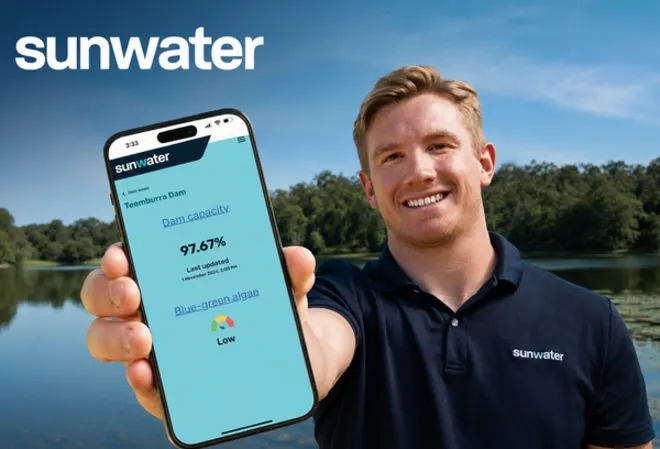
Because a redesign that can’t ship reliably makes things worse. Sunwater, a Queensland government-owned corporation running 19 dams and nearly 2,000 kilometres of pipeline, had fixes finished in a test environment that weren’t reliably reaching the live site. A new design would only have added to the pile. So my team fixed the route to production first, ran a backend audit and a full UX and accessibility audit (22 findings, ranked into a backlog), then rebuilt whole sections instead of patching contrast one issue at a time. Stabilise before you optimise: get the release route working, verify what is actually live, then improve in tested steps.
Is accessibility a patch or a rebuild?
If an audit finds the same accessibility issue across a whole section, rebuilding that section is usually cheaper than chasing every instance. Patching one page at a time can leave the same defect in other pages or templates. Fixing one finding does not establish that a page meets the full accessibility standard. Use the audit to decide which sections to rebuild, then test them properly.
The rule I use: fix patterns, not pages. Rebuilt sections should get automated checks and a manual keyboard and screen reader pass before they go live, because automated tools catch only part of WCAG. That’s where AI and data earn their place at WP Creative: they find the repeated issues across a whole site quickly, so a person’s time goes on the keyboard and screen reader pass. When not to rebuild: if the issue is in one template used once, fix it in place. More on website redesign.
What should we check before a web partner touches a government site?
Check how they will get access, at what level, and who approves their changes. Ask where hosting and data sit, how every change is logged and reversed, and how they test accessibility. Ask whether they will complete your vendor risk questionnaire. If they use AI tools on your site, ask exactly what those tools can see and change.
At Sunwater, every change went through documented review and approval, and production deployments were coordinated with Sunwater’s own technical team. That’s the standard to ask for. My security guide goes deeper.
01
Access
named accounts, least privilege, no shared admin logins.
02
Release
staging, sign-off and a documented route to production.
03
Logs and recovery
changes recorded, with a tested recovery plan for code and content or data changes.
04
Hosting and data
where it sits, and who controls it.
05
Security review
a straight answer to your IT questionnaire, or a plain “we can’t”.
06
AI tools
what they can read, what they can change, and who approves their output.
Will AI assistants give people the right answer from our website?
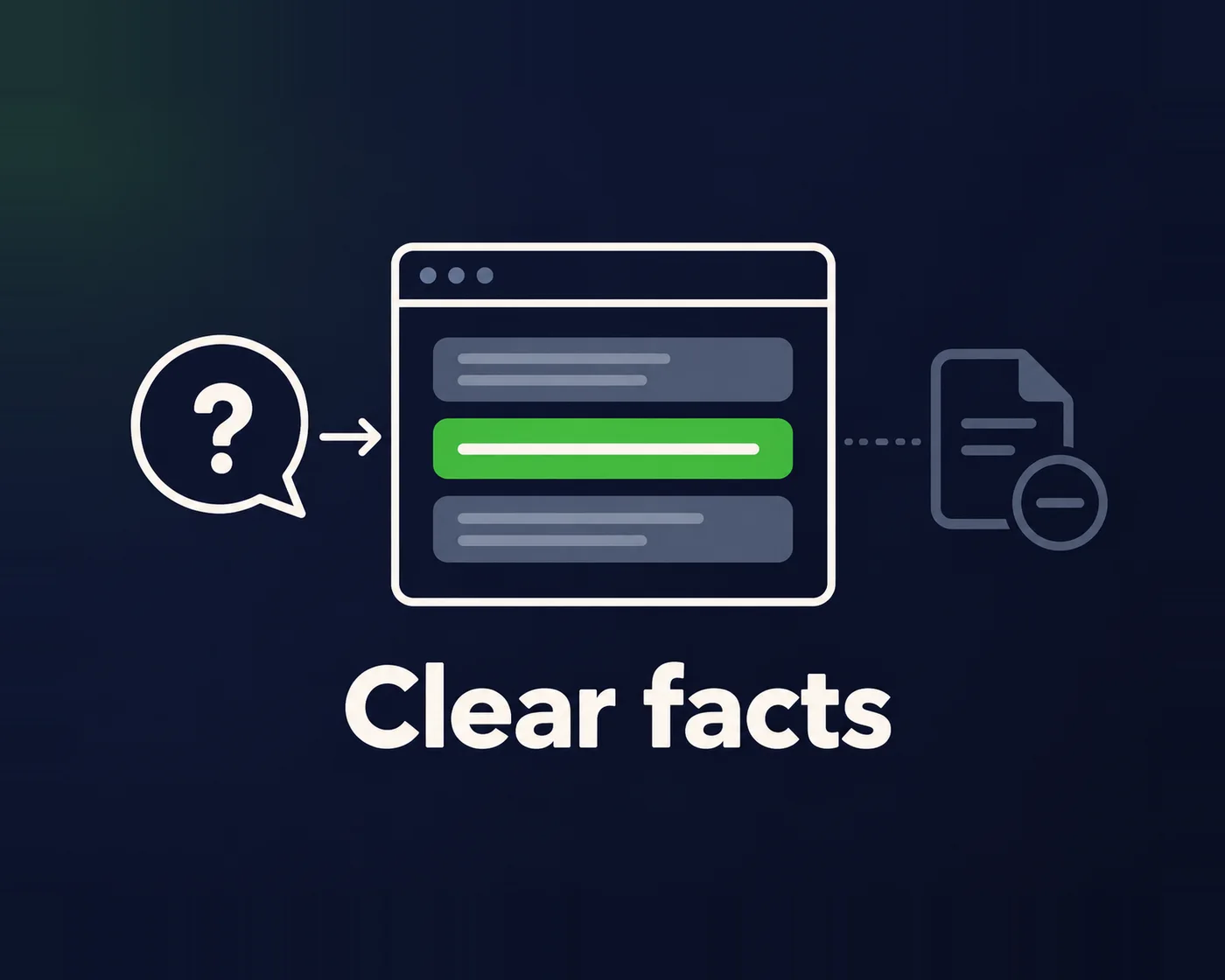
Nobody can guarantee it, but you can raise the odds by stating the fact plainly where a machine can find it. AI assistants summarise what they can read, so a key fact buried in a PDF or a service change hidden in a news post is easy to get wrong. Measure it, don’t assume it: ask the assistants your public’s questions and check the answers.
In a Pew Research Center survey of US adults in February 2026, 60% said they read the AI summaries at the top of search results. That’s a US sample, not Australian data. What helps: one clear page per service or alert, the key fact in the first paragraph, and dates on anything that changes. There are no AI search hacks. The foundation is the same accessible, well-structured page the public needs anyway.
For an emergency or service alert, I would also agree who can publish, who approves the wording, when it expires and what replaces it. Test the public page after caches refresh, check the timestamp and contact route on a slow phone, and confirm an accessible fallback if an interactive map fails. A dated news post is not enough when the public needs to know whether a warning is still active.
Public sector work my team has delivered
“WP Creative and their team have been fantastic to work with. They demonstrate great patience, professionalism, and solutions focus.”
A government and public sector client
“Quick service, lots of communication and a professional service.”
Communications and Engagement Manager, a national science peak body
Also: internal microsites for a state transport agency, and websites for public policy and not-for-profit organisations.
Government website design FAQs
Which accessibility standard should we design to?
The one in your procurement brief. Commonwealth agencies are asked by the Digital Service Standard to meet the latest version of WCAG, which is 2.2, and most briefs set level AA. State and council requirements vary. Agree the standard and how it will be tested, including the manual checks, before design starts, not after.
Can a partner work inside our existing hosting and security requirements?
A good one can, and should say plainly if it can’t. My team regularly works inside client-controlled hosting, restricted access and formal release processes. Bring your requirements to the first call.
Does our web partner need to be in Canberra?
No. What matters is that they work inside your controls and answer when it counts. I’m based in Sydney and my team works remotely across Australia. See web design for Canberra organisations.
Can a large content restructure be done without breaking things?
A staged restructure can reduce disruption, but it cannot promise that nothing will break. Map important services and old URLs, test each tranche, check accessibility and redirects, and get stakeholder sign-off before release. Agree a recovery point and monitor the public journeys after each change.
Running a public sector website?
Book a free call. You’ll talk with me or my team about your controls, your audience and what has to change first.
