
Construction website design for builders who win on track record
In construction, nobody hires you from a slogan. A developer shortlisting builders, a council officer checking a tender, an architect specifying a product and a homeowner choosing who builds their extension all want the same thing: proof you have done this kind of job before, at this scale, in this area.



















Why work with Nirmal Gyanwali on construction website design?
Most construction websites hide that proof in a photo gallery with no words.
I’m Nirmal Gyanwali, Founder and CEO of WP Creative, and I built PostCliq. My team designs and builds websites for construction groups, residential builders, property developers and building product manufacturers. We build the site around your projects, because your projects are what win the next one.

What should a construction company website do?
A construction company website should prove capability by project type, scale and location, make it easy for each buyer to find the evidence they need, and turn that into a tender invitation, a quote request or a specifier enquiry. It must load fast on site, on a phone, and stay current as projects complete.
01
Be found
when a developer or homeowner asks Google or an AI assistant for builders who have done this kind of project nearby.
02
Be chosen
because every project page answers what, where, how big, for whom and when, with real photos.
03
Grown
a site that keeps improving after launch, with licence details correct, project data accurate and pages your marketing team can update between tenders.
Where construction websites fall down
01
Galleries without words
Beautiful photos, no project type, location, size or client, so neither a person nor a search engine can tell what you built.
02
One site, three divisions
Commercial, civil and residential buyers forced through the same menu, so each has to dig for the evidence they need.
03
Specs only in PDFs
Google can index a PDF, but a download-only spec is harder to scan on a phone, compare and keep current. Put key specs on the page, with an accessible PDF as the download.
04
Old projects on top
The best recent work lives on LinkedIn, not the website, though recent work carries more weight with buyers.
05
Missing licence details
Licence and accreditation details missing or out of date, though they are the first thing a careful buyer checks.
06
Badly timed server problems
Outages during a campaign or payment errors on a showroom site, right when the most buyers are looking.
The project page checklist
Project type and sector
- Who checks it Developers, councils, homeowners
- Why it matters Shortlists are made by project type first
Location (suburb or region)
- Who checks it Everyone
- Why it matters Lets buyers check experience in the area where they need work
Scale (storeys, dwellings, area or contract size band)
- Who checks it Developers, tender panels
- Why it matters Proves you can handle a job their size
Client and role (head contractor, design and construct)
- Who checks it Tender panels
- Why it matters Shows where you sat in the delivery chain
Completion year
- Who checks it Everyone
- Why it matters Recent work carries more weight
Challenge and how it was solved
- Who checks it Developers, architects
- Why it matters The difference between you and the next builder
Products or systems used
- Who checks it Specifiers
- Why it matters Links projects to product pages
Photos with descriptive alt text
- Who checks it Everyone, screen readers and AI
- Why it matters Explains the relevant project detail when the image cannot be seen
What an AI-ready construction website looks like
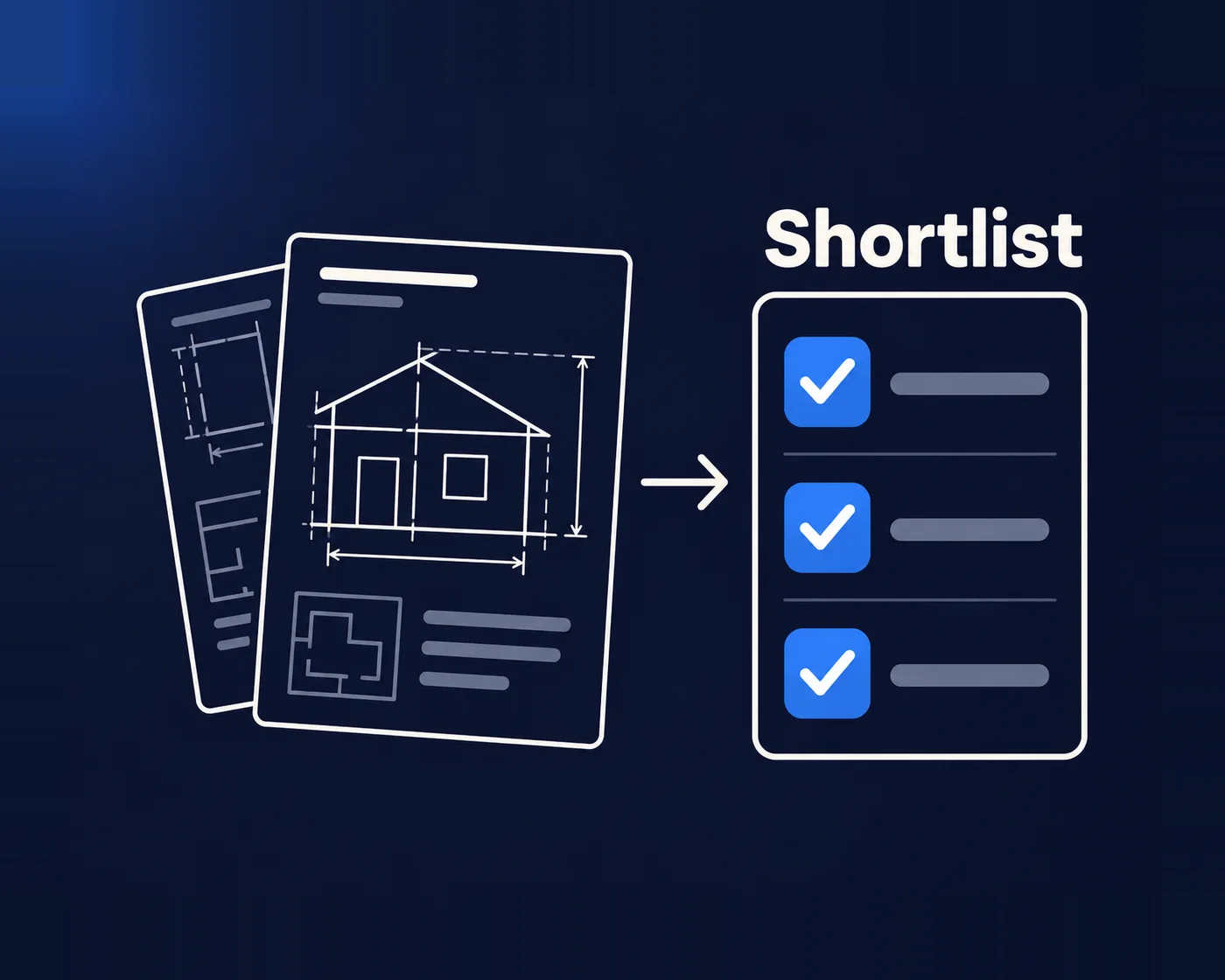
Developers and homeowners now ask AI assistants for shortlists: “builders in western Sydney who have delivered aged care projects”, “who makes non-combustible façade panels in Australia”. An agent-ready website answers with text the assistant can read: one page per project, key product specifications on the page with the PDF as a download, and licence details stated plainly. A gallery of 40 unlabelled photos tells an assistant very little.
I’ve seen what happens when no one owns the whole site. A building products manufacturer came to my team because the architects and engineers who specify its products couldn’t find the technical details they needed. Each of its brands had its own corner of the web, and nobody had looked at the whole thing through a specifier’s eyes. The fix my team proposed wasn’t a prettier homepage. It was a structure built around the specifier’s job, with technical details easy to reach.
Construction and property websites my team has built and runs
Also: a Melbourne residential builder with 25+ years in the trade, a prefab granny flat builder in New South Wales, and a window furnishing manufacturer on a multi-year partnership.

Clifton Lifestyle
Read the case study
A bespoke website designed and built to show 3D property work
Studio Modus
PRD Burleigh Heads
Read the case studyRules that shape a construction website
01
Licence numbers
Several states require licence details in advertising, and your website counts. Queensland’s rules name websites and want the licensed name and number legible and reasonably prominent. NSW’s rules cover internet ads and list the licensee’s name, licence number and business telephone number. Elsewhere, check with your regulator.
02
Accurate claims
Only claim awards, accreditations and certifications you hold, with the year. Australian Consumer Law applies to your website as much as your brochures.
03
Project imagery
Get the client’s permission before showing a private home or a project under confidentiality terms, and give every photo descriptive alt text.
04
Accessibility
WCAG 2.2 AA is the target my team designs to. It matters if you tender for government work, and for visitors using screen readers.
Who keeps project and product information current?
Give each project or product page a named content owner. Technical sheets need a revision date and a clear current version; project pages need an agreed approval for client names, photos and results. Your product or compliance team approves performance claims before marketing publishes them. The website should make those approved facts easy to update, rather than leave conflicting copies in several brand sites and downloads.

When you don’t need a redesign
If your site already wins enquiries and the problem is that projects aren’t being added, you need a faster way to publish, not a new website. My team builds project templates your team fills in within minutes after handover. Redesign when the structure can’t separate your divisions or buyers. More on website redesign.
Construction website design FAQs
Can one website serve our commercial, civil and residential divisions?
Yes. My team designs a structure with a clear path per division and shared project data, so a project can appear in the right division without being entered twice.
We manufacture building products. Is this the right page?
Partly. Product pages for specifiers are covered here; if you’re a manufacturer first, my page on engineering and manufacturing websites goes deeper into catalogues, CAD downloads and distributors.
Can our team add projects without a developer?
Yes. Project templates with structured fields mean your team adds the facts and photos, and the page lays itself out consistently.
Do you design websites for real estate agencies?
My team at WP Creative does, with its own dedicated work for agents. This page is for builders, developers and building product companies; ask on the call if you’re an agency.
Do you do SEO or run our ads?
No. My team designs, builds and looks after the website. We don’t sell SEO or advertising; we’ll refer you to partners and work alongside them.
Building something?
Book a free call. You’ll talk with me or my team about your divisions, your buyers and what your website should prove first.
