
WordPress SEO consultant: what your site needs to be found
When a WordPress site loses search traffic, the cause is often inside WordPress, not in the content.



















Why work with me as your WordPress SEO consultant?
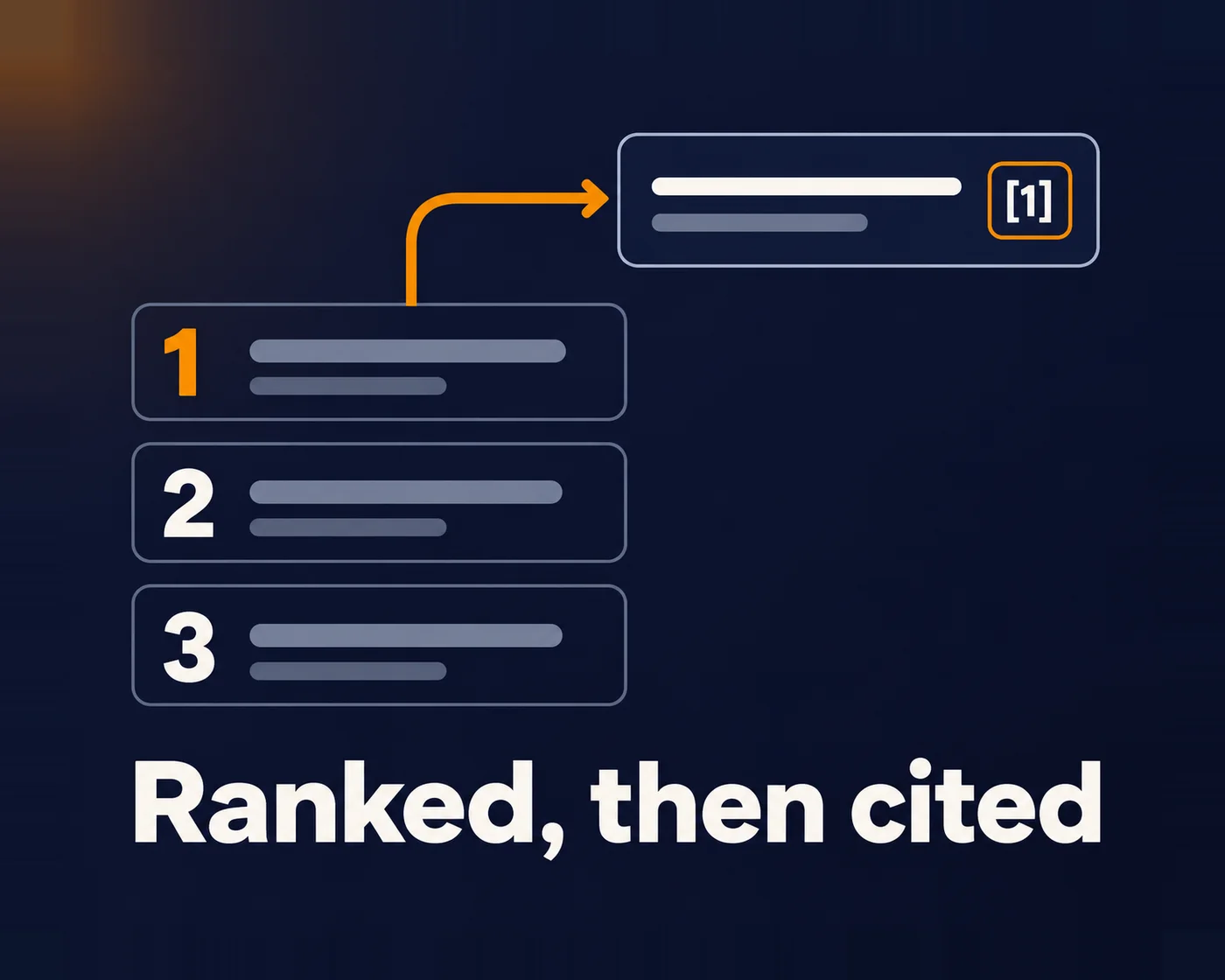
And search position now affects more than Google clicks. In AirOps’ April 2026 study of 50,553 ChatGPT answers, a page in first place in ChatGPT’s own search results was cited 58.4% of the time, against 14.2% in tenth place. That is one engine and a correlation, not a rule for every assistant. But a weak foundation rarely helps in either place.
If you’re looking for a WordPress SEO consultant, start with a free call. You’ll talk with me or my team. We look inside your WordPress site and tell you what’s stopping Google and AI assistants from finding, reading and trusting it.
I’m Nirmal Gyanwali, Founder and CEO of WP Creative, and I built PostCliq. I’ve been building on the web since 2005, and on WordPress since about 2008. My team builds the technical foundation inside WordPress. For ongoing SEO, content and links, we refer you to specialists we trust.
What does a WordPress SEO consultant actually look at?
The technical reasons a WordPress site underperforms in search: crawl and index problems, slow templates, duplicate and thin URLs, broken redirects, missing schema and plugin conflicts. That is different from content SEO. You can publish great articles every week and still lose ground if WordPress is getting in the way.
That technical layer is what my team builds and fixes. Keyword strategy, content and link building belong with an SEO specialist, and we’ll introduce you to one we trust.
If you’re after local SEO in Sydney, see my SEO consultant in Sydney page. This page is about WordPress itself.

Where does WordPress quietly cost you rankings?
Six areas worth checking are indexation, template performance, redirect handling, overlapping plugins, page structure and migration changes. They are diagnostic possibilities, not six faults every WordPress site has. Compare crawl and Search Console evidence before changing the setup.
The pattern I see most often: a well-known brand with years of links behind it, sliding anyway. One national distributor came to my team with a large WordPress site buried several pages deep in Google. Error pages, redirect chains and missing metadata were holding back the pages that should have been selling. Authority didn’t save it. We didn’t rebuild. We fixed WordPress in a set order, and the pages that sell started earning clicks again.
01
Indexation choices
Some tags and author archives are useful landing pages; others duplicate stronger pages. Decide from purpose, content, demand and links rather than noindexing a whole category by default. If using noindex, Google must be allowed to crawl the page to see it.
02
Slow templates
Page builders, heavy themes and unused scripts that push load times past what Google and buyers will tolerate.
03
Redirect debt
Chains, loops and inconsistent canonical destinations. A URL without a trailing slash is not inherently wrong; choose a consistent format and test the intended redirects.
04
Plugin overlap
Two SEO plugins, three caching plugins, and none of them configured properly. Install one SEO plugin and configure it properly instead.
05
Missing structure
Weak internal linking, misleading headings or missing supported markup can limit useful search features. Special schema is not required for Google’s AI features; visible facts and documented markup should agree.
06
Migrations gone wrong
A new site launched, URLs changed, and nobody mapped the old ones. My website redesign page covers whether a new site will hurt rankings.
Before changing indexation, assign each URL an outcome: keep and improve a useful landing page; consolidate a genuine duplicate to its relevant canonical; use crawlable noindex for a page that should remain usable but outside search; or return 404/410 for a retired page with no replacement. Review demand, links and customer use first.
Does the same foundation work for Google and AI assistants?
Yes. Google ranks pages, AI assistants such as ChatGPT, Claude, Gemini and Perplexity read and quote them, and agents act on them. All of them need a site they can reach, understand and trust. Each assistant retrieves pages its own way, and in the ChatGPT study above, pages higher in its search results were cited more often. There is no separate AI hack.
The split is simple. My team builds the architecture inside WordPress. Your marketing team owns keyword strategy and content, and with AI it can now do most of it in-house. Links come from PR and editorial coverage. If you need extra help, we introduce a partner from our network. What else a site needs for AI assistants and agents is on my AI-ready websites page. Here is what my team builds:
- Speed and Core Web Vitals on real templates; one SEO plugin, configured properly
- Crawlability and indexation: sitemaps, robots rules, noindex for the junk
- Architecture: useful pages for distinct needs, consolidation where pages overlap, and internal links to what matters
- Supported schema that matches visible facts; important information available to the intended reader, including tested tabbed or rendered content
- Accessibility: proper headings, labels, contrast and keyboard use
- Redirects mapped and tested before launch; Search Console, analytics and enquiry tracking you trust
Should my web team or an SEO agency fix WordPress SEO?
Both, each for its own half. Your web team should own the WordPress foundation: speed, templates, redirects, schema and indexation, because those changes live in code. Your marketing team should own strategy and content, and with AI it can now do most of the writing in-house. Links come from PR and editorial coverage. The failure I see most is the gap between them: the agency recommends, and nobody ships the fix.
The web team owns
Your marketing team owns
Speed, templates and Core Web Vitals
Keyword and content strategy
Redirects, migrations and indexation
Writing and publishing content, with AI
Schema and site structure
Links through PR and editorial coverage
Shipping the fixes the specialist asks for
Measuring rankings and reporting
Niche beats all-in-one. I’d rather refer you to a specialist than sell you everything. That is why my team doesn’t run ongoing SEO, content or link building. We build and fix the WordPress foundation, then hand back to your marketing team, or introduce a partner from our network when you need specialist SEO, PR or digital marketing help.
How it works
AI helps my team move faster. Search Console, speed and real user behaviour are pulled into one view, so the team spends its hours fixing, not compiling. A person decides every change.
01
Book a call
Free, with me or my team. Tell us what changed, when, and what you’ve tried so far.
02
We look inside WordPress
Search Console if you share it, a crawl, and sanitised diagnostics of versions, plugins, theme and performance, or separately agreed least-privilege access.
03
Foundation, scoped and ranked
Fixes ranked by value. A redirect fix on your top commercial page beats a perfect score on a page nobody visits. You decide what goes ahead.
04
Built, tested, handed over
My team ships the work on staging first, then live. For ongoing SEO, we introduce a specialist or work with yours.
Who this is for
Good fit
- WordPress or WooCommerce sites with real organic traffic at stake
- Teams with an SEO agency whose fixes never get shipped
- Businesses planning a redesign or migration
- Marketing teams who want their site ready for AI assistants
Not a fit
- Anyone wanting page one guaranteed
- Monthly SEO, content or link packages (we’ll refer you)
- One-off plugin installs
- Brand new sites with nothing to fix yet
Results from WordPress foundation work
Those results belong to those engagements. They show what a sound WordPress foundation supports, not a ranking promise.



More questions about WordPress SEO
Is WordPress good for SEO?
Yes, when it’s built and maintained well. WordPress gives you full control over URLs, templates, schema and speed. The problems come from what gets bolted on: heavy themes, page builders and too many plugins. The platform is rarely why a site doesn’t rank. The setup usually is. More in my guide to WordPress and SEO.
Should I use Yoast or Rank Math?
Either works. The plugin isn’t the strategy. What matters is that only one is installed, it’s configured properly, and your templates output clean titles, canonicals and schema. This site runs Rank Math.
Should I trust an SEO guarantee?
No. Nobody controls Google’s rankings or what an AI assistant cites, so a guarantee of page one is a sales line, not a plan. What a web team can build is a fast, well-structured WordPress site that Google and AI tools can crawl and understand. That gives whoever runs your SEO something solid to work with.
Does page speed really affect rankings?
Somewhat. Google says good Core Web Vitals align with what its core ranking systems reward, and recommends them. They don’t guarantee a ranking. Speed affects conversions even more. A slow site wastes the traffic you already earn. Test yours with my website speed testing guide, and see how web design affects SEO.
Find out what’s holding your WordPress site back
Send us your URL and the date things changed. You’ll talk with me or my team, and we’ll tell you where we’d look first. For broader WordPress advice beyond search, see my WordPress consultant page.
Prefer the phone? 02 8278 7530
