
AI automation services for the work around your website
AI use is widespread, but a national survey cannot tell you what your own team is doing. Roy Morgan found 58% of Australians aged 14 and over used an AI tool in an average four weeks in the March quarter of 2026.



















Why work with Nirmal Gyanwali on AI automation services?
Start with a team inventory: which tools, which data and who approves the result? Good automation removes repeat work while leaving a named person accountable.
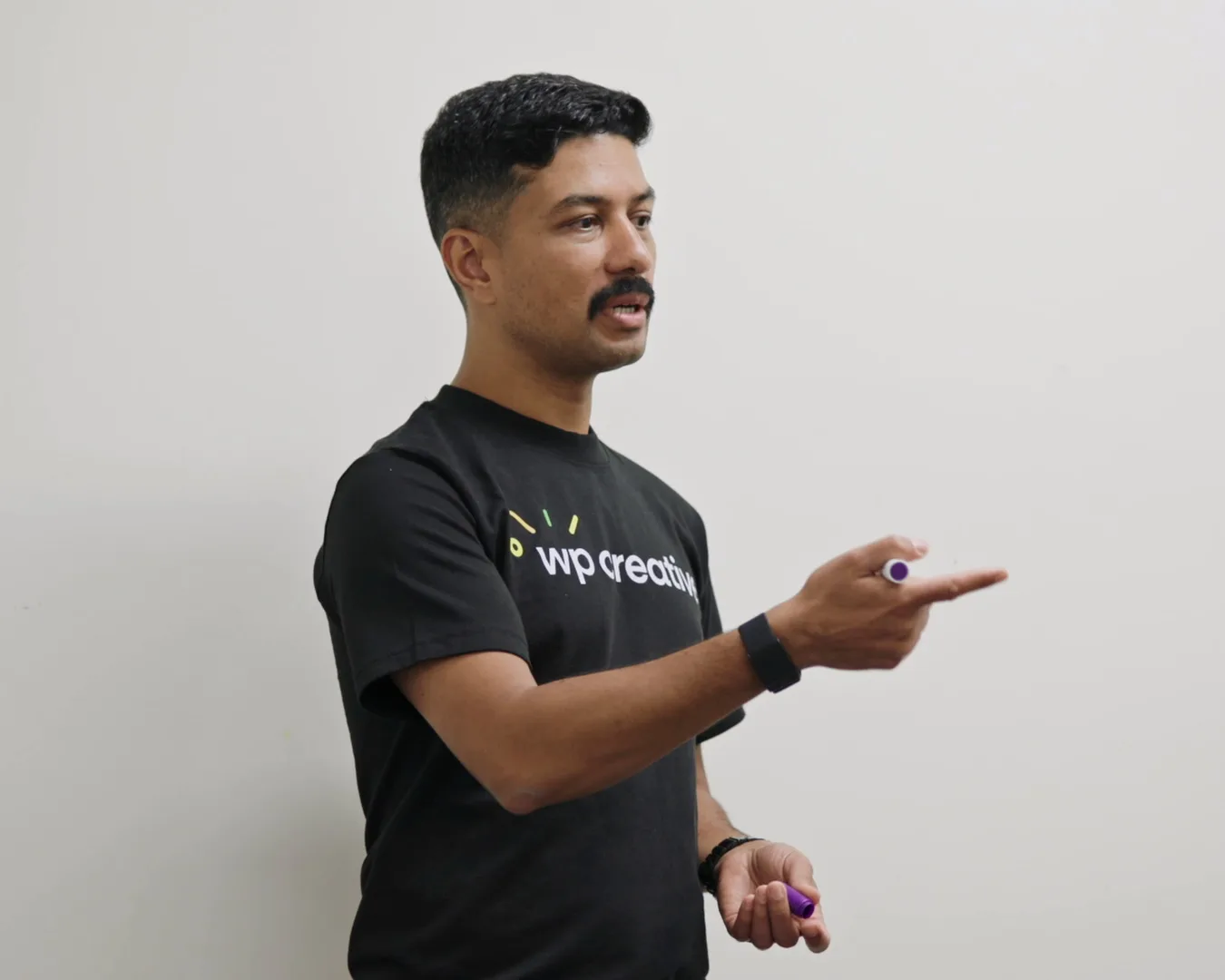
I’m Nirmal Gyanwali, Founder and CEO of WP Creative, and I built PostCliq. I’ve built on the web since 2005, and I still build and test agents and AI workflows every day. The aim is useful work with a clear owner, not another tool nobody can explain. I set the direction and the standards; my team at WP Creative builds the automations and looks after them.
What is AI automation?
AI automation is software that does a repeatable task between your website, CRM and other tools, with an AI model handling the part that needs reading or writing: classifying an enquiry, drafting a summary, tagging content. Rules decide what happens next, and a person approves anything that matters. Unlike a chatbot, it works in the background.
Example: an enquiry form where AI suggests a service tag from the free-text message, then rules route it to the right person in HubSpot with the source attached. A person reviews uncertain or urgent cases before replying. Fixed rules can already inspect text and route forms; a model may help with variable language, but its classifications need testing. This is an illustration, not a claimed client result.

What are agentic workflows?
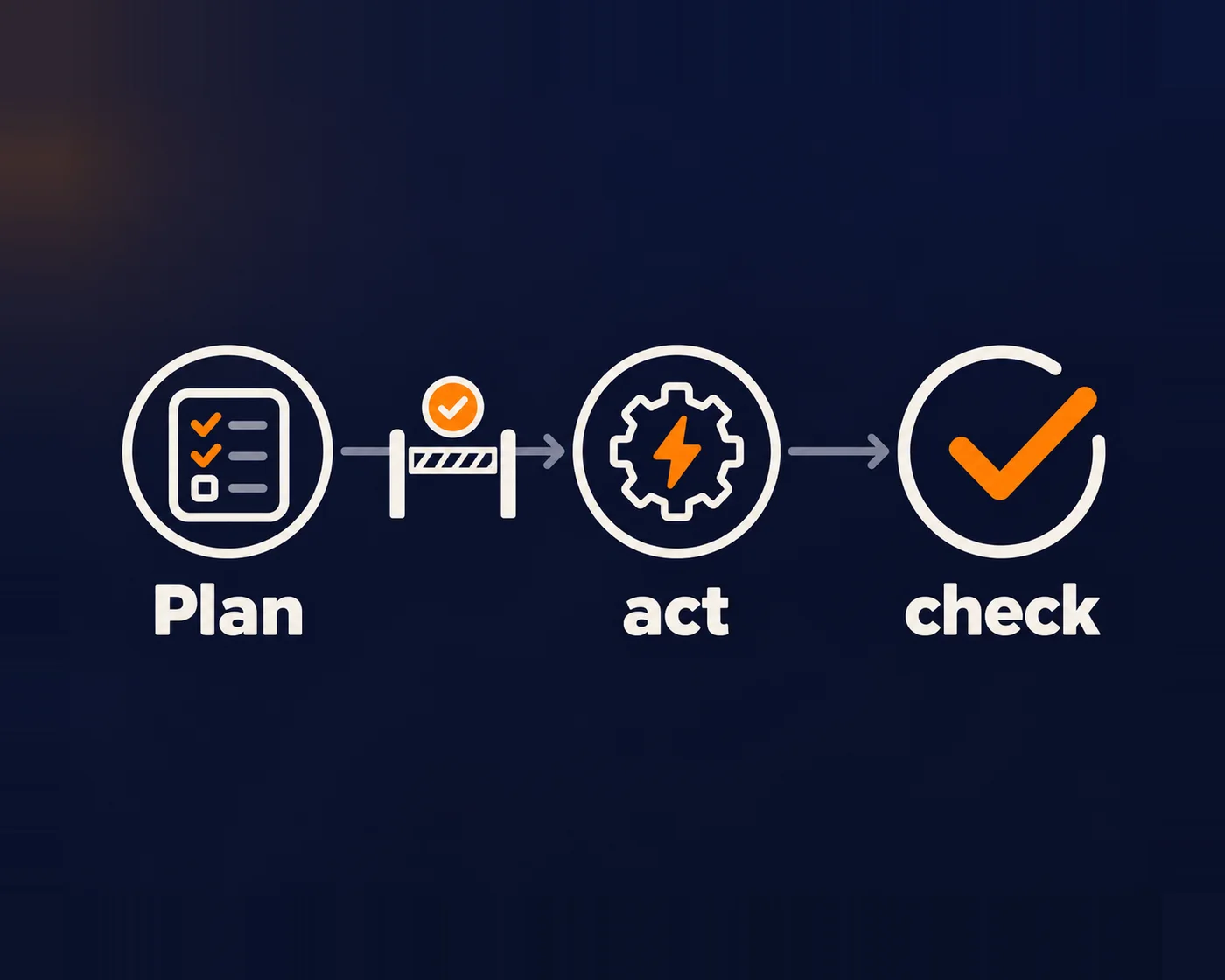
An agentic workflow lets a model choose some steps and tools within a defined task, such as researching and preparing a content draft. That flexibility can help with varied work, but makes the path harder to predict. A fixed automation is often the better choice when the rules are already clear. Either needs an owner and a checked result.
A content workflow is one example: an agent can find relevant posts, read them, prepare an update and save a draft for review. Letting it publish is a separate decision, with separate access and approval. Agentic workflows are the working end of the agentic web. The agentic web is the stage of the internet in which AI agents, not just people, find, read, compare and act on websites on someone’s behalf.
What should a marketing team automate first?
Automate the work that happens after the click: lead routing, content operations, reporting and site monitoring. These jobs repeat every week, follow clear rules and are easy to check, so mistakes show up fast. Leave judgement calls, pricing and anything legal with people. Most teams win back more time after the form than in front of it.
This holds for a small marketing team in Australia as much as a large one: two or three people with HubSpot and a WordPress site usually have enough repeat work in lead handling and reporting to start.
Not worth automating: a task you do twice a year, or one whose rules change every time. Write a checklist instead.
01
Lead handling
Forms qualified, enriched and routed to the right person in HubSpot or Salesforce, with the source attached.
02
Customer journeys
Patient, customer or applicant journeys: screening, eligibility rules, assignment and booking joined up, so nobody re-keys details.
03
Content operations
Drafts, internal links and metadata prepared by AI, reviewed by a person, published through a controlled channel.
04
Back-office sync
Orders, invoices and purchase orders flowing between the site and Xero or NetSuite without anyone re-keying them.
05
Monitoring
Checks on uptime and key journeys at an agreed cadence, with alerts and a named response owner. Monitoring can find failures; it cannot promise to notice them before every customer does.
06
Reporting
The numbers your CEO asks for, assembled every week from Search Console, analytics and the CRM.
Automations my team has built
A signage business
An ecommerce rebuild connected to its CRM, joining website enquiries and the team’s follow-up workflow.
A therapy matching platform
Automatic language links across about 15 languages, plus bot tests on its matching tool every three hours and uptime checks every ten minutes.
A law firm
A “claim checker” that screens enquiries and prioritises cases, with formulas the firm can update itself.
These examples describe rule-based automation and integration, not AI models making clinical or legal decisions. That distinction matters. A model can earn its place where variable inputs need interpreting; do not add one when a simple rule is easier to check. Client examples are evidence of the stated workflow work, not a measured AI productivity result.
What happens when an automation gets something wrong?
Something will go wrong eventually, so design for it. A good automation fails loudly: it stops, alerts a named person and leaves a record of what it did. A bad one fails quietly and sends wrong data to customers for weeks. Before anything is built, decide who gets the alert and how the last action is undone.
That is why I ask where the handoff fails. A form can create two records, or write one correctly while the next system times out. Define the join, the retry rule and the recovery queue before adding AI.
When not to automate: my first risk check is whether one plausible mistake could outweigh a year of time saved. That is a screening question, not a universal threshold. Include privacy, financial and service consequences, the review cost and whether an action can be undone. If nobody owns failures, keep the task manual until someone does.

Is it safe to let AI publish to our website?
It can be, with the least access the job needs, a checked draft and a person approving release. Treat the tool like a contractor with a defined scope and traceable actions. Shared admin credentials create avoidable risk, but model errors, prompt injection and bad integrations still need controls of their own.
Check the account as well as the tools. A WordPress Author can still edit and delete their own posts, even when a guarded tool refuses live edits or offers no delete. A narrow tool does not remove the account’s powers through other routes.
These are the four controls I expect around an AI publishing workflow:
01
Least privilege
Give the account and its tools only the access the job needs. Keep reading, drafting and publishing permissions separate where the platform allows it.
02
Approval
A named person reviews the result before release. Write down whether approval is enforced by the software or depends on the operator following the process.
03
Logs
Record code changes in Git and content changes in a change log, with the reason and reviewer, so the next person can trace what happened.
04
Rollback
Keep the previous code and content, and test how to restore them. A draft is a review step, not a recovery plan for something already published.
How do you know the automation is worth keeping?
Write the baseline before the pilot: task volume, manual handling time, correction rate and the outcome the business needs. Compare the automated version on the same kind of work, including review time and software costs. Count duplicate leads, misroutes, missed alerts and rework as failures, not savings.
A lead-routing pilot, for example, should preserve the enquiry source, create one record, route uncertain messages for review and leave a queue a person can recover. Test retries, an unavailable CRM and an incorrect classification. Agree who can pause it and what happens to work already in flight. This is the acceptance checklist I would use, not a promised percentage saving.

How my team builds AI workflows
I build and test agents on WP Creative’s WPO platform, internal tools, wpcreative.com.au and client work. My team uses AI across the WPO framework to analyse the data, find problems and act on them. Claude Code works inside a project structure with written standards, review and human approval. Technical architecture comes first, so Google, AI assistants and agents can find, read and use the pages. Your marketing team keeps the marketing strategy; we handle architecture, design, build and delivery. WP Creative is working toward ISO 27001 certification.
- AI drafts and checks. A person approves.
- The AI account gets the least access that does the job.
- Measure the result and the failures, not just the output.

AI automation FAQs
Should we get advice before we build anything?
If you don’t know which workflow to start with, yes, and it costs nothing. Read how I think about AI consulting, then book a call. If you already know the task, my team can scope and build it.
Do we need an AI chatbot?
Usually not first. Most marketing teams save more time automating what happens after a form is submitted than adding a chat window. If a chatbot fits, it should answer from your own content and hand over to a person cleanly.
Which tools should an automation use?
Whatever your stack already has: HubSpot workflows, Zapier, the WordPress MCP Adapter, Claude and other models through their APIs, and custom code only where nothing off the shelf works. Every new platform is one more thing to secure and pay for.
Should we put customer data into AI tools?
Only the data the task needs, through an approved tool and a documented purpose. “Not used for training” does not by itself settle retention, access, deletion, subprocessors or where the data is processed. Check the actual contract, configuration and privacy obligations; the OAIC’s AI privacy checklist is a useful starting point. In WP Creative’s own development work, no client production or customer data goes into the AI tools we use, and logs are sanitised first. A customer-facing automation is a separate data-flow decision that must be reviewed before it runs. See AI website security.
Does AI automation work on an old website?
Often, yes, through the CRM and forms rather than the site itself. If the site can’t be connected safely, that is a sign it needs work first. See AI-ready websites.
Got a workflow eating your week?
Book a free call. Bring the task your team hates most. You’ll talk with me or my team, and you’ll get a straight answer on whether it’s worth automating and what guardrails it needs.
