
Website migration services that move everything except your problems
A website migration puts years of work at risk in a single week. The pattern I see most often: a business with a decade of links from press, partners and industry sites, and a new build that ships without a redirect map.



















Why work with Nirmal Gyanwali on website migration services?
Every one of those links points at a specific URL. Move that URL carelessly and the link points at nothing.
A planned migration reduces disruption, but temporary search movement can still happen. My team’s website migration services start with what could be lost: valuable URLs, content, transactions and access, then the platform and cutover plan.
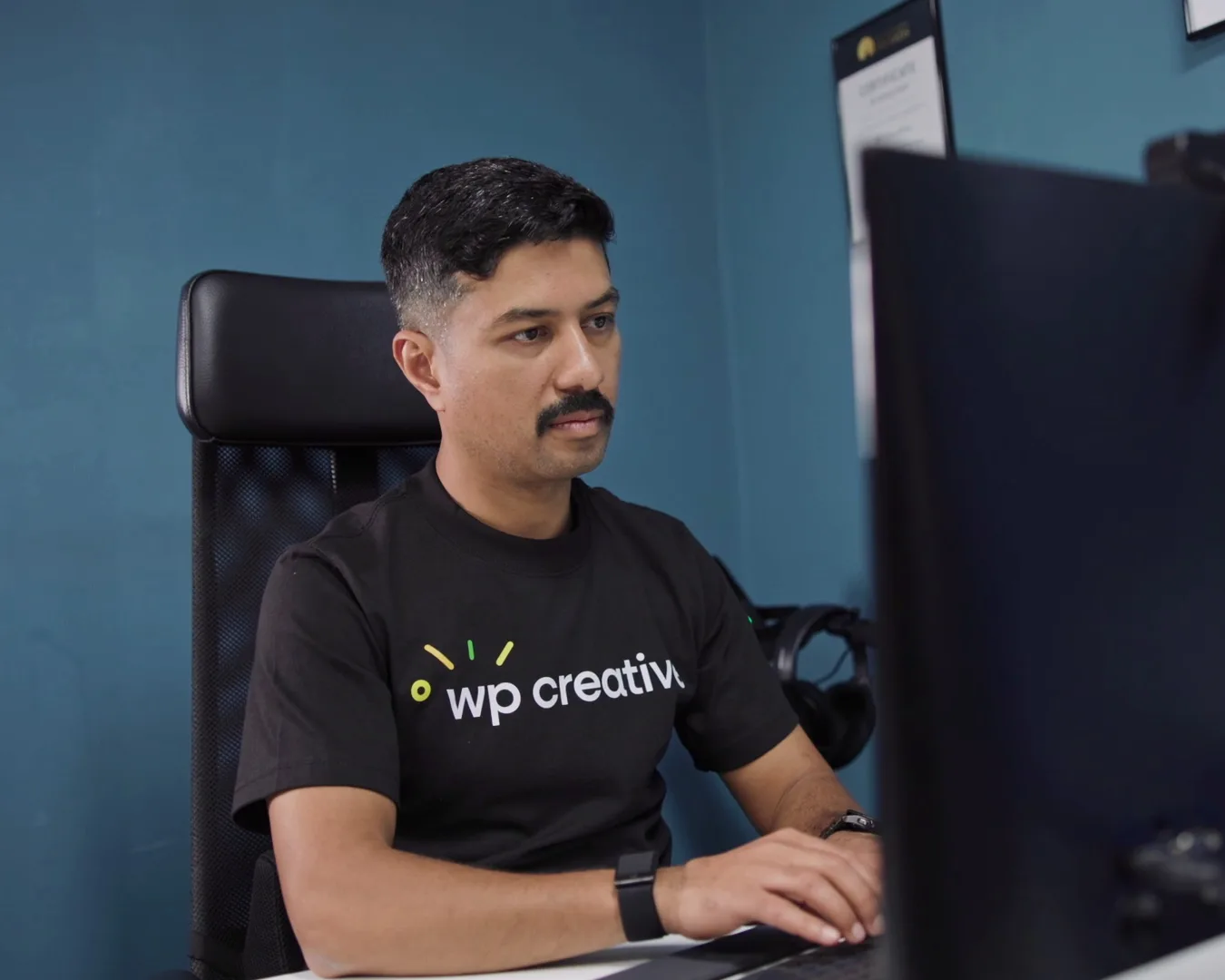
I’m Nirmal Gyanwali, founder and CEO of WP Creative. My team migrates websites between platforms, between hosts, and from several sites into one. I set the direction and the standards; my team at WP Creative builds and looks after it.

Which kind of website migration am I facing?
Most migrations are one of five, and many arrive with a redesign attached: a new platform, a new host, several sites merged into one, a new domain, or an online store moving its products and customers. Each risks something different. A platform move risks URLs and content, a host move risks downtime and email, and a domain change risks every link you’ve earned.
Write the recovery plan for live data as well as code. Agree a final sync or controlled write window, then how orders, stock and payment events created after the backup will be preserved if a rollback is needed. Restoring yesterday’s database blindly can erase today’s sales.
01
Platform migrations
Wix, Squarespace, Webflow, Sitecore, Drupal or a custom CMS to WordPress. More on WordPress web design.
02
Hosting migrations
onto managed hosting in your name, often urgently when the current host fails. WP Creative offers managed WordPress hosting, with multiple plans.
03
Consolidations
several websites merged into one platform or one multisite network, as my team did for Clifton Lifestyle’s resort websites.
04
Domain changes
a rebrand or merger moving to a new domain, which puts every link you’ve earned at risk without redirects.
05
E-commerce migrations
products, customers, orders and subscriptions carried across, a final sync of anything ordered during the move, and test payments reconciled against the payment provider before the store goes live.
06
Redesign plus migration
see website redesign when the look changes too, and web development when the build changes underneath.
What has to happen before launch day so rankings survive a migration?
Most of the work happens before anything moves. List every URL that earns traffic or links, from Search Console, analytics and a backlink tool. Decide where each one goes. Load and test the redirects on staging, keep what ranks intact, and agree who watches Search Console after launch, and for how long.
For changed URLs, Google recommends keeping redirects generally for at least a year. Keep the old domain and HTTPS working while they are needed. Check new canonical tags, indexing rules and the sitemap; use Search Console’s Change of Address only for an eligible domain or subdomain move, not a same-domain redesign.
AI now does much of the checking. I build and test AI workflows every day, and my team at WP Creative uses Claude Code with real guardrails and a set project structure, plus the data from Search Console and crawls, to find gaps in a redirect map quickly and act on them. None of it touches the live site directly. The finished build goes to a staging copy first, every redirect and ranking URL is re-checked there, and only then does the accepted version go live, with a backup to roll back to. That’s the guardrail model I trust for AI-run work: approvals, logs and a way back.
For a worked example of a platform move into WordPress, read my notes on migrating from Sitecore to WordPress.
01
List
every URL, image and PDF with traffic or links. A crawler alone misses the ones only backlinks still point to.
02
Match
each old URL to its closest new page, never just the homepage. A page with no traffic, links or replacement can return 404 or 410 on purpose: record that choice.
03
Test
the redirects on staging before launch day, not after. Check each one lands on its matched page.
04
Keep
titles, headings, content, internal links and structured data on the pages that rank, preserved intentionally; review factual corrections separately and record any content change.
05
Watch
Search Console daily at first, then weekly for two months, investigating unexpected errors against the agreed URL-outcome map.
What should I do if traffic dropped after a migration?
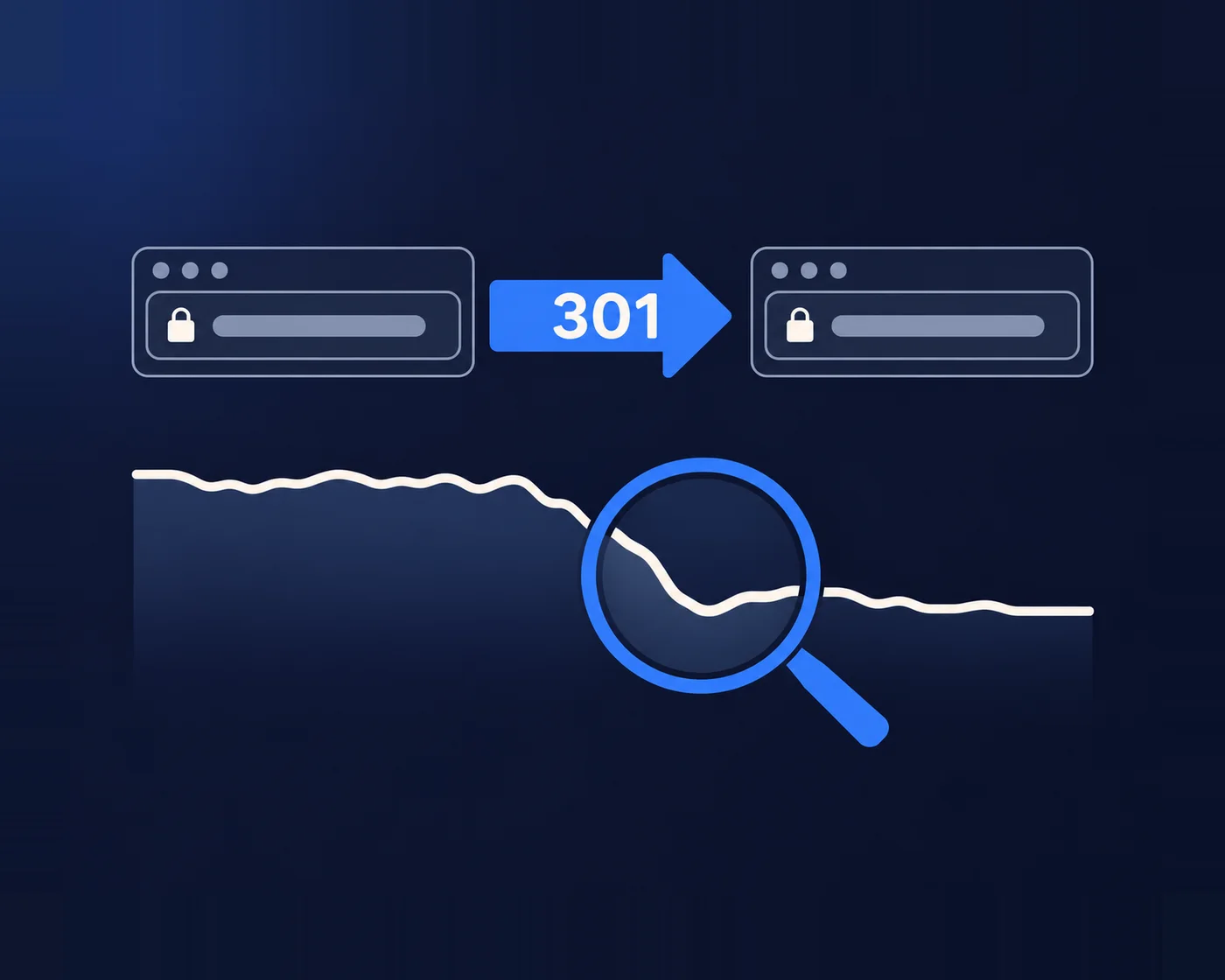
Find out which pages lost the traffic before changing anything. Compare Search Console clicks by URL for the weeks before and after launch. If old URLs now return errors or redirect to the homepage, fix those redirects first and resubmit the sitemap. If the pages exist but rank lower, compare what changed on them.
You’ve got the perfect route until someone has to drive it. A migration plan is only proven once real visitors and crawlers use it, which is why the weeks after launch matter as much as the weeks before. The drops that hurt most are the ones nobody notices for a month, because nobody was named to watch. Name that person before launch, and record the baseline clicks they’ll compare against.
Migrations my team has delivered
Clifton Lifestyle
Several resort websites consolidated into one platform, staged step by step with full backups and cutover planned with the client’s team. Organic clicks up 58%, from 1,694 to 2,681 a month (Google Search Console, May 2025 against July 2026).
A psychology practice
Moved from Wix to WordPress with every URL mapped, courses and payments rebuilt, and the site moved to managed hosting.
A not-for-profit with eight websites
A phased move off an unresponsive host to managed hosting, priority sites first, with DNS and go-live planned to avoid downtime.
A subscription publisher
Moved off failing hosting in about a week, with broken subscription renewals and transactional emails fixed along the way.
Should I move platforms at all?
Only if the platform is the reason you can’t grow. Many “the platform is slow” problems are build or hosting problems that a migration would carry straight across. Move when the platform blocks what you need: editing, integrations, scale or cost of ownership. Otherwise fix the site you have and keep its history.
Rankings depend on URLs, content, links and speed, not the CMS. If your team can already publish without a developer, staying put and fixing the build is often the better call. The psychology practice above made the opposite call, moving from Wix to WordPress and rebuilding its courses and payments on the way.
When not to move: if the main complaint is speed, test the hosting and the build first. Thinking of moving from WooCommerce to Shopify? I cover that decision on my Shopify developer page, and both directions in my notes on moving between Shopify and WooCommerce.
Website migration FAQs
We have over 1,000 pages. How should a migration that big be planned?
Decide what is worth moving before anyone moves it. Big sites carry pages nobody visits. Move what earns traffic, links or enquiries first, automate the bulk content, map every URL, and phase lower-priority pages only after checking legal, support and customer uses, not traffic alone. Around three months is a planning reference for some projects, not a page-count guarantee; source quality, integrations and approvals set the actual schedule.
Should we merge several websites into one?
Often, yes: one brand, one set of rankings, one backend to look after. Clifton Lifestyle’s resorts now share one platform. The catch is the old domains. Every page with traffic or links on them needs a redirect to its new home, or years of SEO goes with them.
Should you copy your old design onto a new platform?
Usually not exactly. A platform move is the best moment to fix what the old design got wrong: slow templates, pages nobody uses, forms that leak enquiries. Keep what works, such as the content and structure that rank and the brand people recognise. Copy it pixel for pixel only when the deadline leaves no other choice.
Who should own the new hosting?
You should. Put the hosting account in your business’s name and add your developers as users, so you control access whoever builds the site. WP Creative offers managed WordPress hosting, with multiple plans. More on managed WordPress hosting.
Will the site go down during the migration?
The aim is a controlled cutover with minimal disruption, but zero downtime cannot be guaranteed. Ask for the test record and recovery plan. The new site should run on a staging address first, with forms, checkout and email tested before the switch, a cutover planned for your quietest hours, and a written way back if something fails. If nobody can describe the rollback, the plan isn’t finished.
Planning a move?
Book a free call before anything moves. You’ll talk with me or my team, and we’ll tell you what to protect, what to leave behind and how long it should take.
